
Multi Admin Approval: “Approving approval request failed” in Intune

“Approving approval request failed” is not an error you want to see after setting up Multi Admin Approval (MAA) in Intune, especially if it was working fine before.
That was exactly my situation. I set up MAA in one of my tenants in April 2026 and everything worked. After my summer holiday, I came back to a lot of complaints that it had stopped working. Did the Intune update for MAA in June break something?
Recreating the MAA error in a test tenant
I was able to reproduce the issue in my test tenant by creating MAA access policies for the delete, retire, and wipe actions. Each policy had a designated approver group consisting of Intune admins.
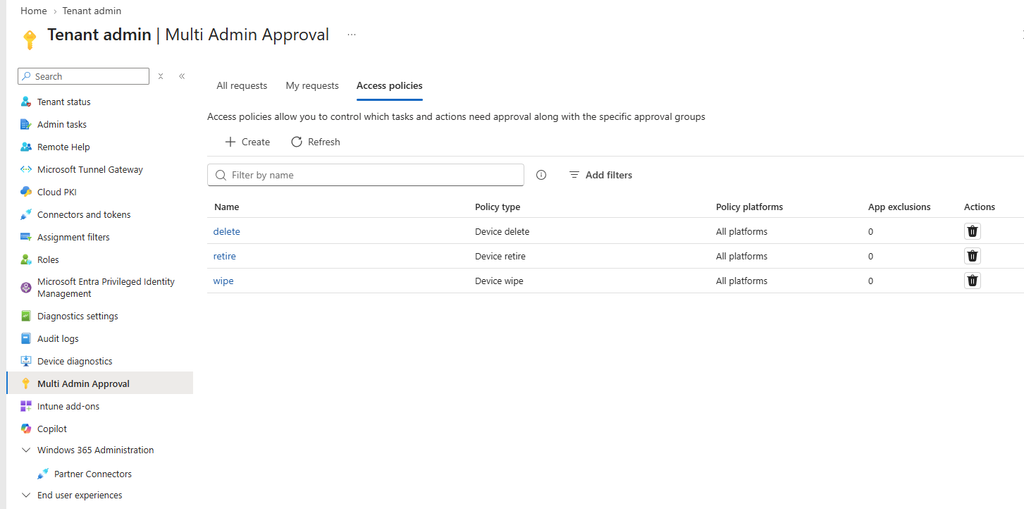
Nothing special, and the same setup that had worked before. When a colleague requested a wipe, I would add a note and click Approve request. The request then went back to my colleague, who could complete the action.
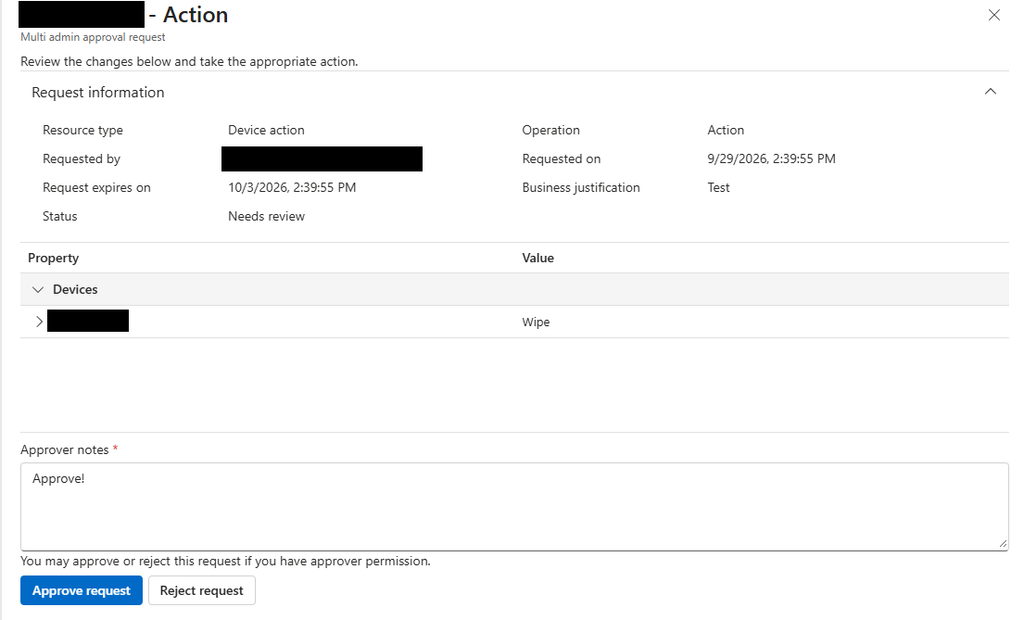
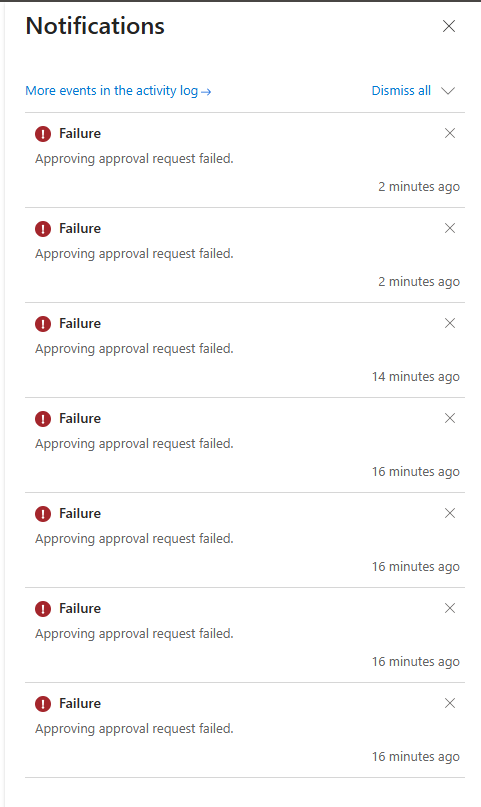
This time, clicking Approve request gave me the error “Approving approval request failed”. Or rather, 8 errors, because I kept smashing the button.
Missing Intune role permissions
After some troubleshooting, it turned out the error was caused by missing permissions. We were both Intune admins and could do pretty much everything in Intune, but approving these actions was not part of that.
To approve a request, you need an Intune role that includes the permission for the action you are approving. So to approve a wipe, you need the permission to wipe.
Creating a role for your approvers
Luckily, this is simple to fix:
- Go to Tenant administration and then Roles in the Intune admin center.
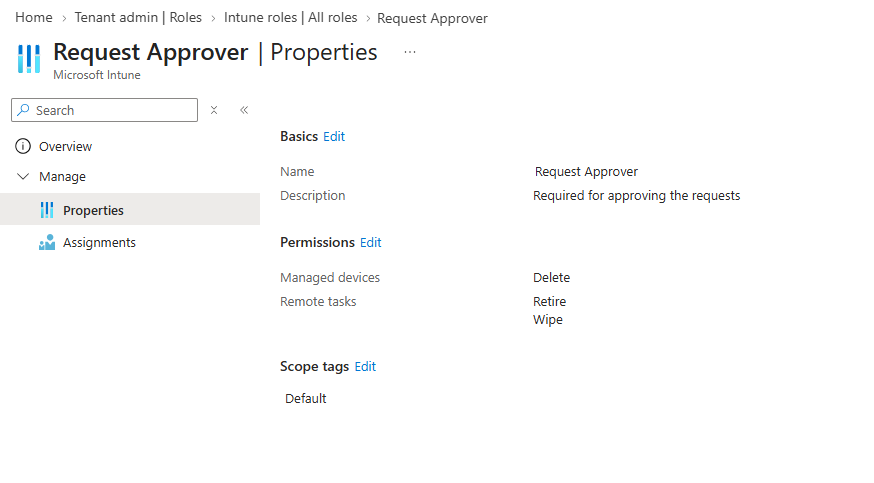
- Create a new role, for example “Request Approver” (or any name you like).
- Give it the permissions for the actions you put behind MAA, in my case delete, retire, and wipe.
- Assign the role to your approver group.
Once the role is assigned, approving requests works again.
TLDR / The short version
If you get “Approving approval request failed” in Intune Multi Admin Approval, check whether your approvers have an Intune role with permissions for the actions they are approving. Being an Intune admin is not enough. Hopefully this saves you a few hours of troubleshooting (and a lot of button smashing).